

 Call of Duty
On this page (22)
Players can buy call of duty items through the official in-game store for publisher-supported content or a player marketplace for listings that match a specific game and platform. Buyers should confirm what a listing delivers before paying, since a cosmetic purchase, a code, and an account listing involve different checks.
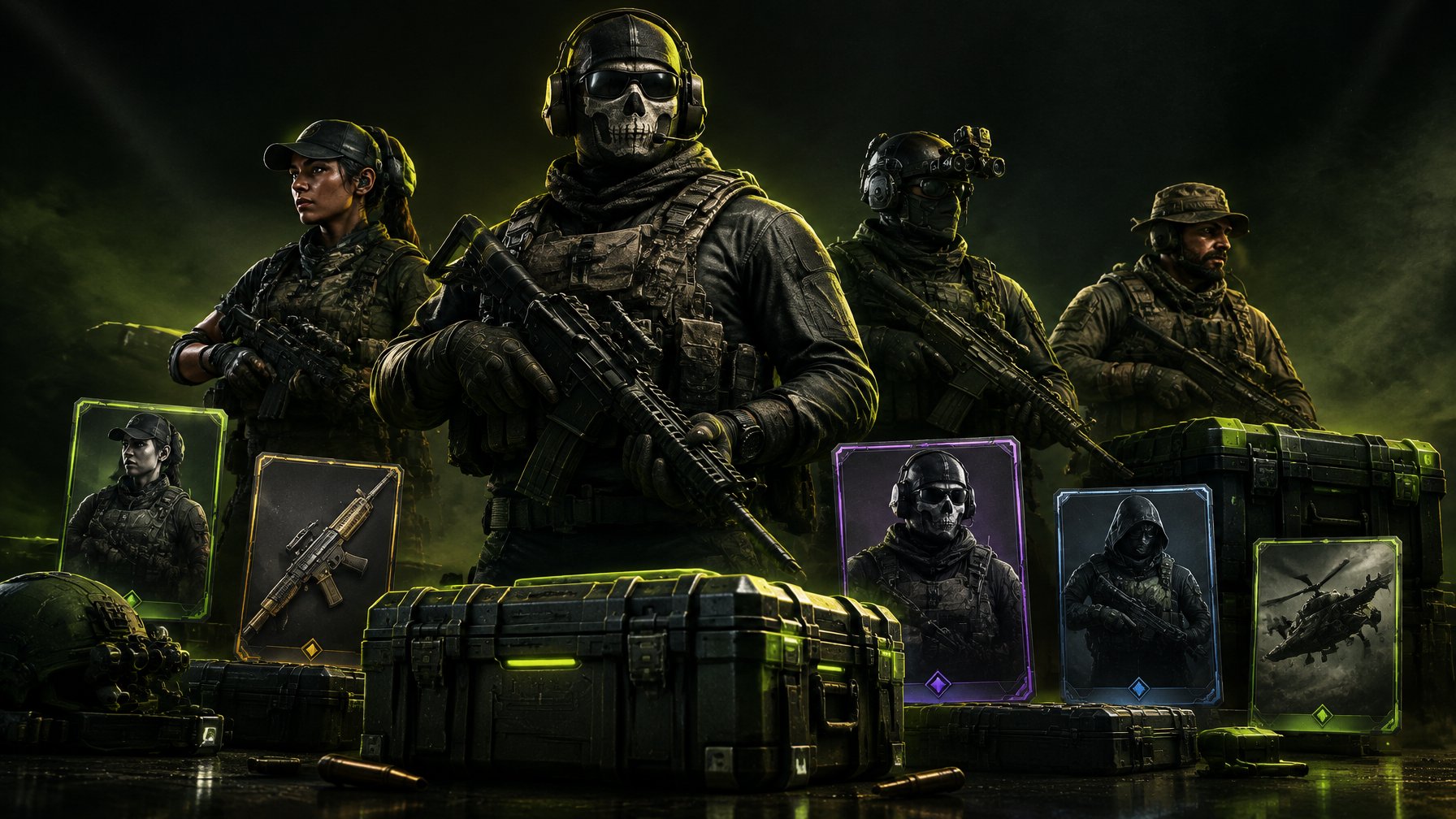
The official store is the clearest route for bundles and COD Points. A player marketplace such as lolboost.gg’s Call of Duty marketplace offers a place to review its current assortment, with each listing’s terms guiding the compatibility and delivery checks.
Official Stores and Player Marketplaces
The official in-game store sells publisher-supported content, while player marketplaces organize third-party listings with terms that buyers need to review individually. The distinction helps buyers identify who fulfills a purchase and what the listing promises to deliver.
What does the in-game store offer?
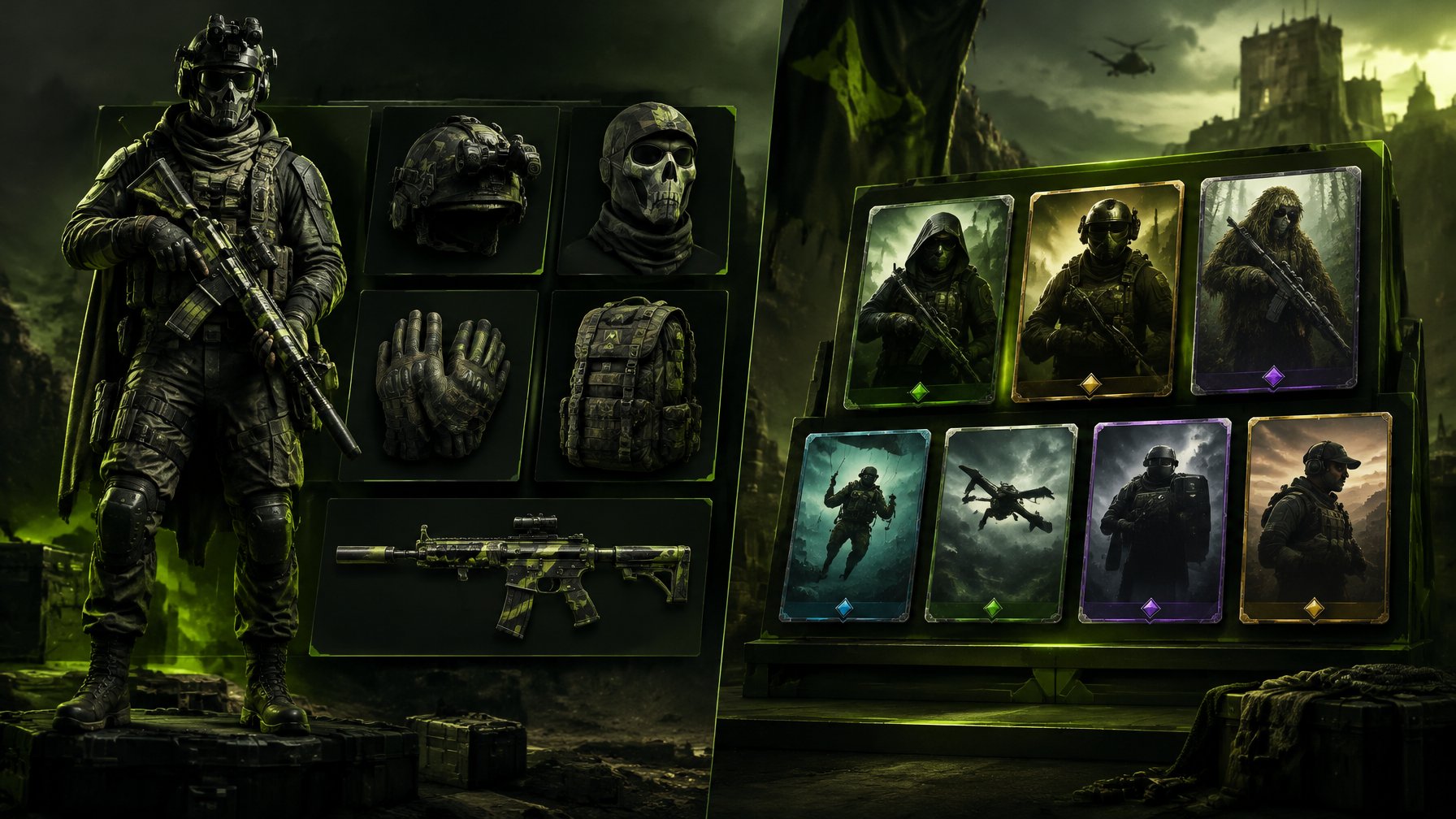
The in-game store and official Call of Duty storefront offer bundles and COD Points for eligible content. The official Call of Duty store lists bundles, the BlackCell seasonal upgrade, and points; Activision also provides instructions for buying bundles and the Battle Pass through its online store.
COD Points are in-game currency for content in supported titles. The COD Points store page identifies Black Ops 7 and Warzone as supported uses, so buyers should check the game named on the product before purchasing points.
How can you browse the lolboost.gg Call of Duty marketplace?
Buyers can open the Call of Duty marketplace hub and review the listings currently displayed there. The product page should be checked for the game, platform, included content, delivery terms, and any account requirements before a purchase is completed.
A marketplace listing should be treated as its own offer. If a listing does not explain how the item reaches the buyer or what access it requires, buyers should seek clarification before paying.
What Types of Items Can You Find?
Call of Duty offers cosmetic content through official bundles and points, while marketplace categories depend on the current listings. Buyers should confirm the specific item and supported game in each offer.

Which cosmetic items are commonly listed?
Cosmetic content can include operator skins, weapon blueprints, calling cards, and emblems. The official Call of Duty bundles page describes bundles containing operators, skins, blueprints, and weapons.
A listing title alone may not show every included item. Buyers should check the full contents and confirm whether the offer is for a bundle, points, a redeemable code, or access to an account.
Can you find items for Warzone and Zombies?
Warzone content is named directly in official COD Points listings, and the Steam page also lists points and in-game content for Black Ops 7 and Warzone. This provides a useful starting point for checking whether a particular offer applies to those games.
Zombies mode support should be verified against the listing’s game and edition details. A cosmetic or bundle tied to one Call of Duty title does not automatically apply to every other title or mode, so buyers should confirm the stated compatibility before checkout.
How to Check Game and Platform Compatibility
Compatibility depends on the exact Call of Duty title, edition, and platform named in the offer. Buyers should match all three details before paying.
Why should you confirm the game and edition?
Call of Duty content can be tied to a specific title or product, even when games share a franchise storefront. A game-specific offer may not carry across editions, and shared branding by itself does not establish compatibility.
Buyers should check the full product name and any restrictions in the listing. For points or codes, the eligible title and region should also be clear before purchase.
What should PC, Xbox, and PlayStation players check?
PC players should confirm the storefront or launcher named in the offer, such as Steam or Battle.net, along with the game version. The Steam DLC page identifies the content it supports, while an offer for another PC storefront may have different redemption terms.
Xbox and PlayStation buyers should check the console family and platform specified by the listing. Buyers should also confirm whether the item is platform-bound or usable across linked platforms; they should rely on the offer’s written terms and official product details, not assume that cross-platform access applies.
What to Know About Delivery and Account Safety
Delivery terms should explain what the buyer receives, how it is delivered, and what account access is involved. Clear details help distinguish direct publisher purchases from marketplace transactions.
How can delivery methods differ by listing?
A publisher-store purchase may add content through the relevant game or account flow, while a marketplace listing may specify a code, an account, or another fulfillment method. Buyers should use the method stated in the listing and confirm any required steps before placing an order.
For account-related offers, the buyer should review exactly what credentials or access are included and whether any account changes are required. A completed delivery does not guarantee continuing access, so the listing terms should be read carefully.
What should you check before completing a transaction?
Before paying, buyers should verify the item description, game, platform, region, delivery steps, and seller terms. They should keep transaction details within the marketplace’s stated process and avoid sharing passwords or payment information outside the checkout flow.
Account transfers and boosting can carry account-access and enforcement risks. Buyers should review current Activision rules and the marketplace’s terms before purchasing any offer that involves account credentials or changes to account ownership.
What Affects the Price of Call of Duty Items?
Prices reflect the specific item, its contents, game compatibility, platform, and the terms attached to a listing. Buyers comparing offers should use the current listing details because prices and availability can change.
Which factors can affect a listing’s price?
A bundle with several cosmetics may be priced differently from a single item or points offer. Game and platform restrictions, delivery requirements, and the type of access being sold can also shape what an offer includes.
The listed price should be read alongside the complete terms. Buyers should check fees and any requirements that affect the total cost before choosing an offer.
How can you compare listings without relying on outdated prices?
Buyers should compare live listings at the time of purchase and record the displayed price, included content, and delivery conditions. A past screenshot or old price guide may no longer describe the current offer.
A useful comparison checks like for like: the same game, item category, platform, and delivery type. If two offers differ on one of those points, the lower displayed price may not represent the same purchase.
Match the Listing to Your Game and Platform
A suitable listing names the Call of Duty title and platform that the buyer uses, then states exactly what will be delivered. Buyers should confirm those details, review the fulfillment terms, and check any account requirements before completing the transaction.
The official store is a direct option for publisher-supported bundles and points. For marketplace offers, the current listing page and its written terms should guide the decision.
Frequently Asked Questions
Where can I buy Call of Duty skins?
Call of Duty skins are available through the official in-game store and through marketplace listings that specify the relevant game and platform. Buyers should check the item details and delivery terms before purchasing from a third party.
Does Call of Duty have an in-game store?
Yes, Call of Duty has an in-game store for eligible bundles and other content, with official online purchase options for items such as COD Points. The available content depends on the game and current store offerings.
Can I buy Call of Duty items for PC, Xbox, or PlayStation?
Listings may specify PC, Xbox, or PlayStation compatibility, so buyers should confirm the exact platform and game before paying. They should also check the stated launcher or console family and whether the offer has regional restrictions.
How can I check whether an item works in Warzone or Zombies?
Buyers should look for the game and mode named in the offer and verify the item against the official product details. Warzone support is explicitly named in official COD Points information; Zombies compatibility should be confirmed for the specific title and item.
Can I buy Call of Duty items cheap?
Lower-priced listings may be available, though prices and contents vary. Buyers should compare current offers with the same item type, game, platform, and delivery terms, then check the total cost before purchase.