

 Grand Theft Auto VI
On this page (21)
Players can preload GTA 6 on PS5 or Xbox by preordering the digital edition, then downloading it when their console’s scheduled preload window opens. Rockstar’s schedule sets PS5 access for midnight local time on November 10, 2026, and Xbox access for 12 a.m. GMT that day.
Preloading installs the game files ahead of launch, while access to play remains locked until the official release. The Grand Theft Auto VI game page is Rockstar’s official destination for the game.
When Does Preloading Open on Each Console?
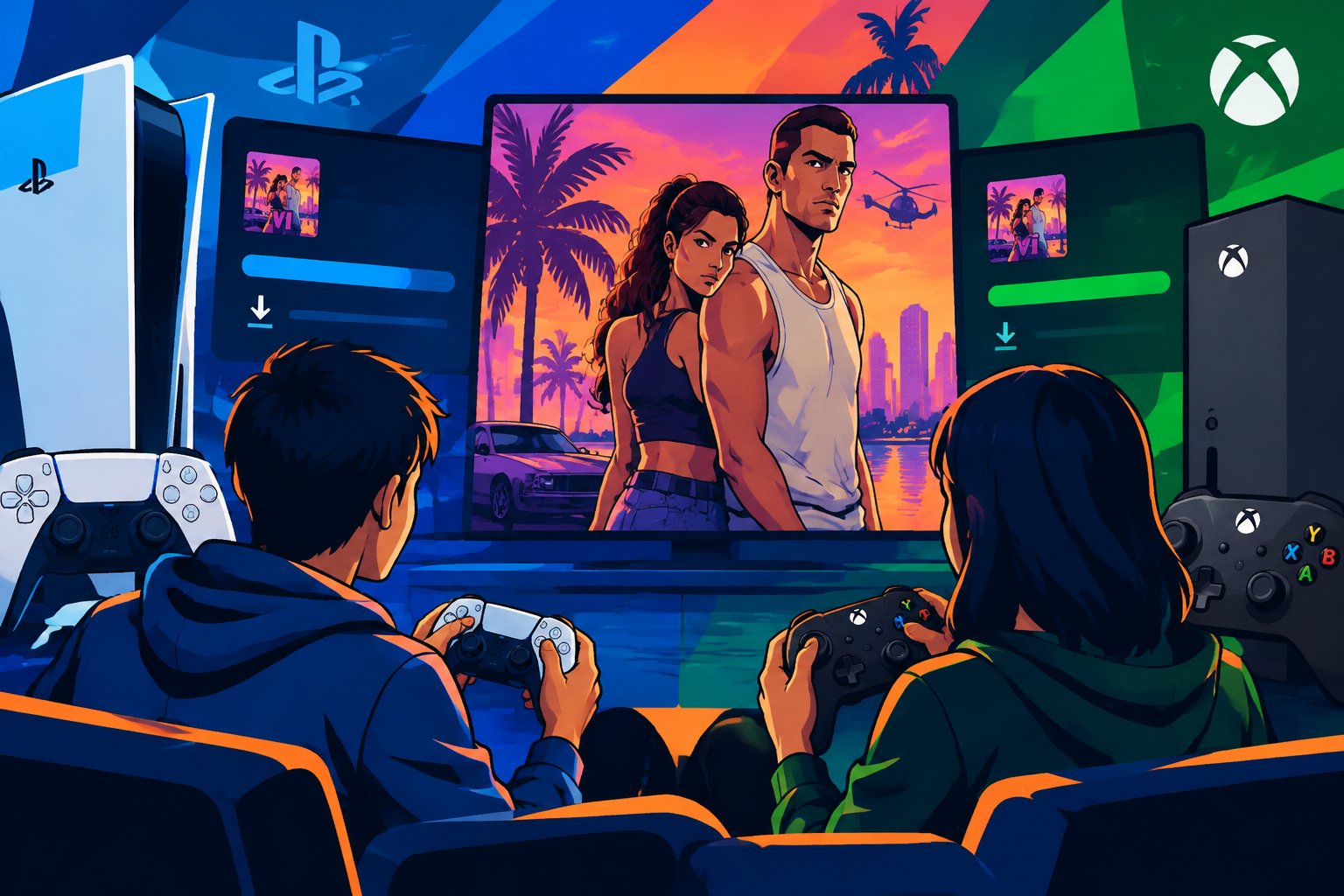
The preload begins on November 10, with separate timing rules for PlayStation and Xbox. Those rules place the start at local midnight on PS5 and at one worldwide GMT time on Xbox.
PS5: November 10 at Midnight Local Time
PS5 digital preloads begin at midnight on November 10 in each player’s local time zone. That means players in the United States can start at midnight in their own region, rather than waiting for a single nationwide release time. Rockstar’s preload FAQ confirms the PS5 schedule.
A player in the Eastern time zone reaches the start before a player on the West Coast. The console account’s region and local time settings should reflect the player’s actual location so the store and download availability display correctly.
Xbox Series X|S: November 10 at 12 a.m. GMT
Xbox Series X|S digital preloading starts worldwide at 12 a.m. GMT on November 10. Since that moment falls on the evening of November 9 across the continental United States, Xbox players there should check the Store around that local evening.
The GMT schedule remains the same worldwide; only its local calendar date and clock time change. Xbox players should use the conversion for their time zone rather than expecting the download to appear at local midnight.
How Regional Timing Affects the Start
The two platforms do not follow the same regional clock. PS5 uses local midnight, while Xbox uses one global GMT start, so Xbox availability in the United States begins during the prior evening.
The official platform and edition details can help players confirm which version they ordered. Store availability can also reflect the region tied to the purchasing account, so account and console region settings should match.
What Do You Need Before Preloading?
A digital preorder linked to the correct console account is the clearest way to qualify for the preload. Players should also confirm that the console has an internet connection and enough free storage for the installation.
Digital Preorders and the Console Account
The preload is for players who preorder the digital edition through the PlayStation Store or Microsoft Store. The preorder needs to be associated with the account used on the PS5 or Xbox Series X|S; a different account on the same console may not show the purchase in its library.
Before November 10, players should sign in to the account that made the purchase and verify that GTA 6 appears in its game library or preorder list. Automatic downloads can start the installation when the window opens, while manual installation remains available from the library.
Physical Copies and Code Redemption
A boxed disc by itself does not provide a digital preorder entitlement. Players with a physical edition should check the package or retailer confirmation for a separate digital code, then redeem that code on the account intended to own the game.
If the code grants a digital version and the preorder is registered in that account, the game can appear for preload when the platform permits it. A disc-only purchase requires the disc and console installation process after the copy is available; it does not create a digital download entitlement.
Starting the Download From Your Game Library
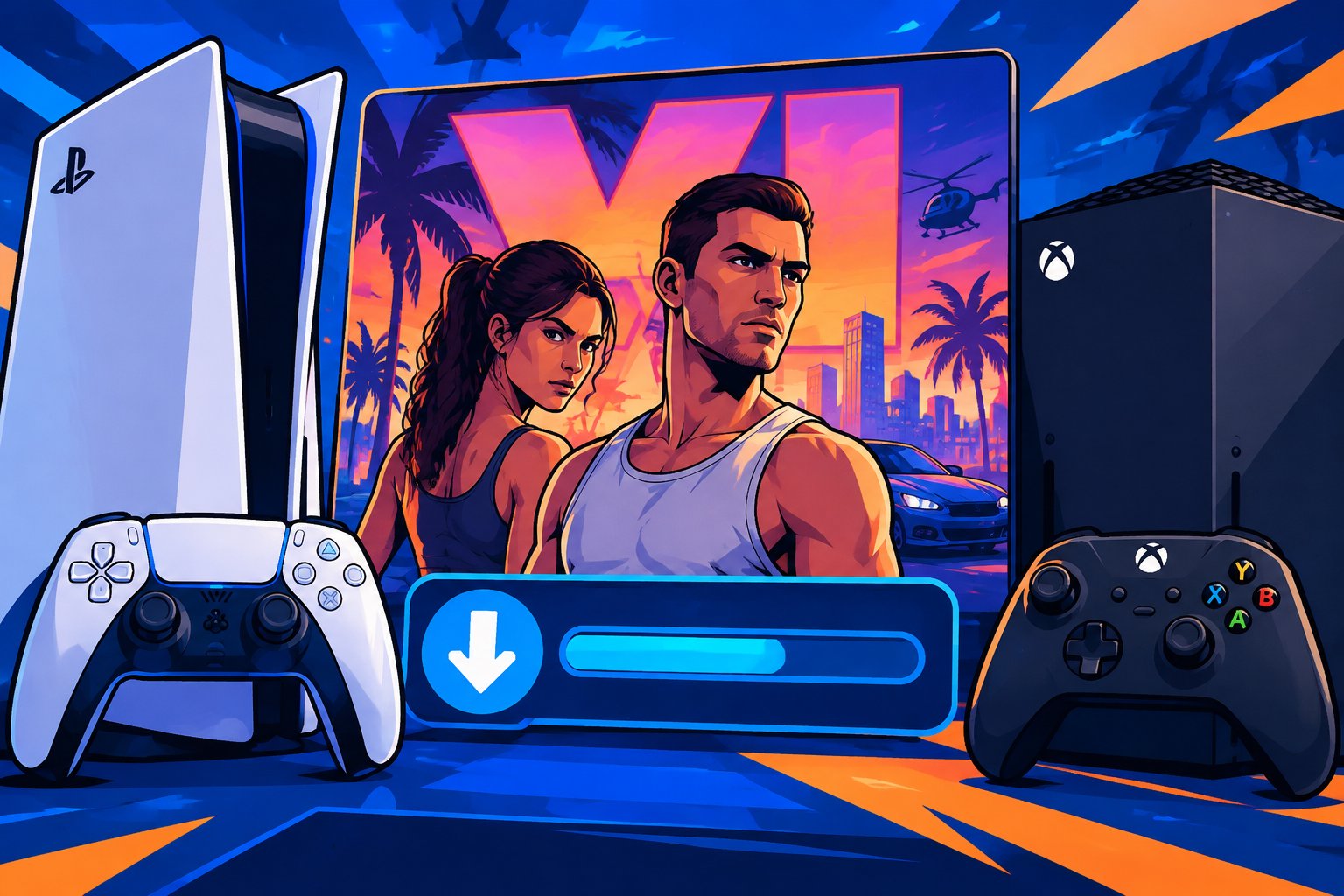
Players with an eligible digital preorder can start the installation from the console’s library when preload becomes available. If automatic downloads are enabled, the console may begin without a manual library action.
Find and Download the Game on PS5
On PS5, open Game Library from the Games home screen, then locate GTA 6 under the account’s collection or purchased games. Select the game and choose the download option when it becomes available.
The download progress appears in the console’s downloads or control area. If the game is listed before November 10 without an active download button, players should check again once their local preload time arrives.
Find and Install the Game on Xbox Series X|S
On Xbox Series X|S, open My games & apps, then go to Full library and Owned games. Select GTA 6 and choose the install option once the preload window opens.
Players can check download activity through the queue in My games & apps. The preorder account should remain signed in, and the console should stay connected to the internet while the installation runs.
Preparing Your Console for the Download
A ready console needs enough free internal or supported storage, download settings that permit background activity, and a reliable internet connection. These checks help prevent a missed start or an interrupted installation.
Check Available Storage
Before preload day, review the console’s storage settings and clear space if the remaining capacity is low. The final space needed should be checked against the store listing or the download prompt, since the required figure can be updated.
Players should leave room for installation and any update files shown by the console. Avoid deleting saved data without checking what it contains; removing an unused game or capture is a safer way to free capacity.
Enable Automatic Downloads and Background Installations
On PS5, players can enable automatic downloads for preordered content in the console’s automatic update settings. Rest Mode settings should also allow an internet connection and downloads while the console is idle.
On Xbox, players should allow games and updates to install while the console is in its configured sleep or standby state. Keeping the console online and connected to power gives an automatic preload the opportunity to start at the scheduled time.
What to Try if the Download Does Not Appear
Players should first confirm that the correct account owns the digital preorder and that the regional preload time has arrived. The next checks are the game library, the download queue, the console’s internet connection, and available storage.
If the listing still does not offer an install option, restarting the console and checking the store again can refresh the library display. Players should also confirm that the purchase completed successfully and that any redeemed code was entered on the intended account.
Getting the Game Installed Before Launch
A completed preload leaves the game files on the console, while the release schedule controls when the game can be launched. Players should let the download and installation finish, then keep the console online so any required launch update can arrive.
Rockstar’s schedule places the game’s launch on November 19, 2026. Preloading saves the large download for an earlier date, though the console may still need to apply updates before play becomes available. Players should check the game tile near launch for its status and any remaining installation activity.
Frequently Asked Questions
When can I preload GTA 6 on PS5?
PS5 digital preloading begins at midnight local time on November 10, 2026. The game must be tied to the player’s account through a digital preorder.
When does the GTA 6 preload start on Xbox?
Xbox Series X|S preloading begins at 12 a.m. GMT on November 10, 2026. In the continental United States, that start falls on the evening of November 9.
Can I preload GTA 6 without a digital preorder?
The announced preload is for digital preorders, so a standard digital purchase made after the preload window opens does not qualify in advance. Players should check their store account for the eligible preorder listing.
Can I preload GTA 6 with a physical copy?
A physical disc alone does not grant digital preload access. A separately supplied code can qualify if it redeems a digital preorder on the player’s console account.
Can I play GTA 6 as soon as the preload finishes?
No, finishing the preload does not unlock the game early. Players can launch it when Rockstar’s release time arrives and any required updates have installed.