

On this page (27)
Buying a GTA account can save you hours of grinding, but the marketplace you choose affects account quality, delivery, and support. Lolboost.gg positions itself as a gaming marketplace offering accounts and related services, giving you a single platform to compare listings and place an order.
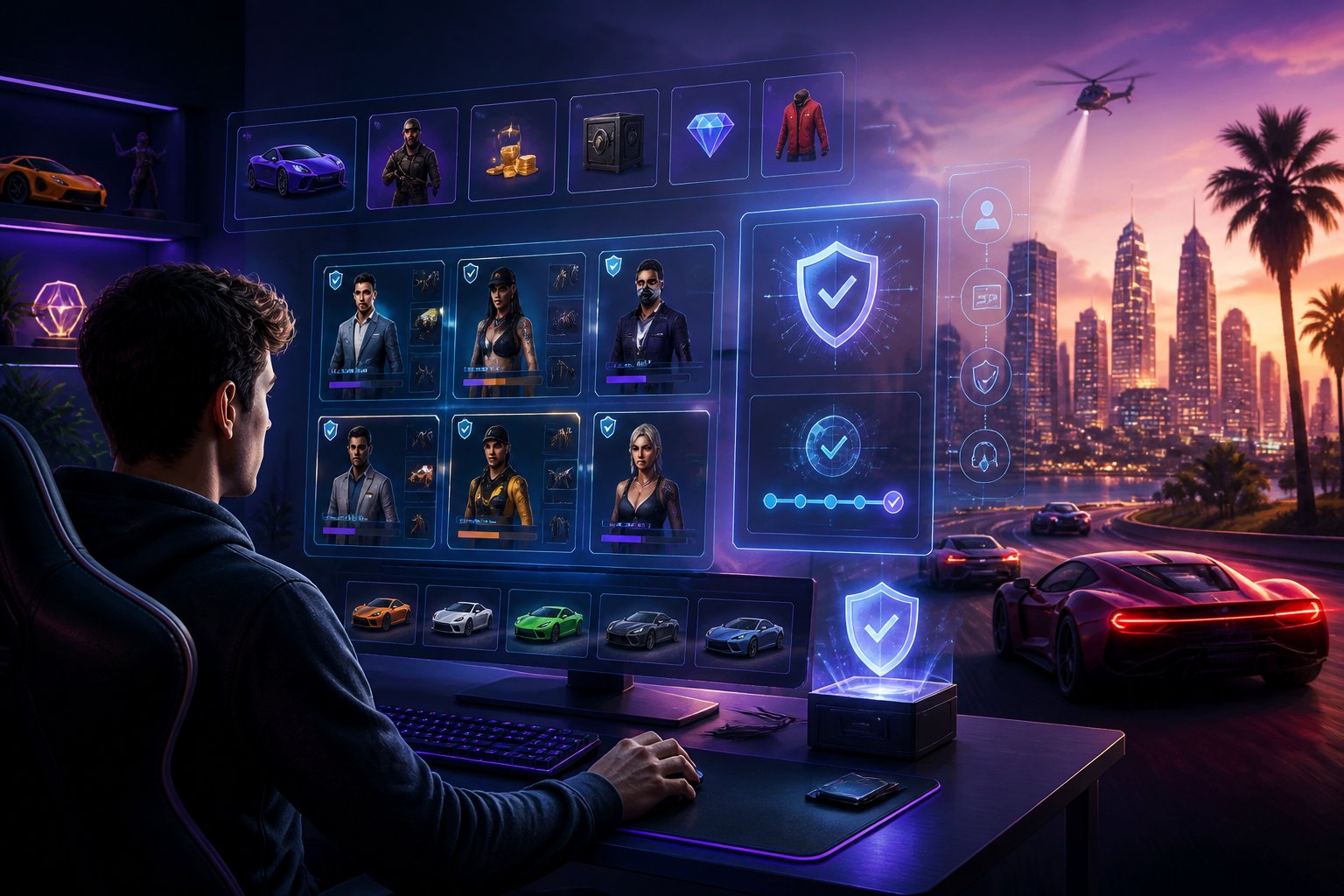
Lolboost.gg may stand out when its listings provide clear account details, transparent pricing, secure checkout, and reliable support. This article examines those factors alongside delivery practices, payment options, buyer responsibilities, Rockstar’s policies, and credible alternatives so you can decide whether it fits your needs.
GTA Account Marketplace Overview

When you compare GTA account marketplaces, focus on the account’s progress, access method, platform, seller history, and warranty terms. You should also confirm whether the listing provides full ownership access or temporary recovery support.
Account Types Available
LoLBoost listings may cover accounts with different ranks, cash balances, properties, businesses, vehicles, weapons, and unlocks. Check the listing details carefully instead of relying only on labels such as “high level” or “modded.” Confirm the exact GTA Online progress, included items, account region, and whether the seller provides original email access.
You should also review the seller’s history, delivery method, refund policy, and protection period. Marketplace search results describe LoLBoost as offering game accounts, items, boosting, and coaching, while third-party reviews can provide additional information about customer service. No marketplace can remove every risk, so avoid listings with vague descriptions, unusually low prices, or no recovery guarantee.
Platform Compatibility Considerations
Before buying, match the account to your exact platform: PC, PlayStation, or Xbox. GTA Online progress and purchases generally do not transfer freely between these platforms, and an account created for one platform may not work on another. Check whether the listing specifies the edition, such as PC legacy or enhanced versions, and verify any required launcher or console account.
You should also confirm the account’s region and login requirements. Some sellers may use region-matched VPN procedures for boosting, but that does not guarantee account safety or prevent enforcement by Rockstar Games. Review the platform label, transfer limitations, access credentials, and warranty conditions before completing payment.
Lolboost.gg Service Positioning

Lolboost.gg presents a centralized marketplace for gaming accounts and related services, with listings organized by game, account details, and purchase requirements. You should verify that a listing specifically covers Grand Theft Auto before paying, because the available search results mainly describe League of Legends boosting rather than confirmed GTA account inventory.
Catalog Organization
The platform describes itself as an all-in-one marketplace where you can browse accounts, items, coaching, and boosting services. For GTA accounts, check each listing for the exact platform, edition, region, account level, included vehicles or properties, inventory, and transfer requirements.
A clear listing should identify what you receive before checkout. Compare sellers using a short checklist:
- Game and platform: GTA V, PC, PlayStation, or Xbox
- Account contents: currency, vehicles, businesses, rank, and unlocks
- Delivery method: credentials, transfer process, or account handover
- Seller and support details: ratings, response time, and refund terms
The search results mention customer reviews and dashboard-based order tracking, but they do not independently confirm the quality or availability of specific GTA listings. Read recent reviews and examine the site’s terms before relying on those features.
Purchase Flow Simplicity
Lolboost.gg describes a process in which you choose a game, configure an order, pay through the platform, and track progress from your dashboard. That structure can reduce confusion when a GTA listing provides complete information and clear delivery instructions.
Before purchasing, confirm the account’s ownership status and whether the transaction complies with Rockstar’s rules. Account sales and transfers may create suspension, recovery, or fraud risks, even when a marketplace offers support or refund language.
Use a protected payment method, save the listing and seller details, and avoid sellers who request payment outside the platform. Do not provide unnecessary personal information, and change the account credentials after a legitimate transfer when the terms permit it.
Account Quality And Listing Transparency
You need clear account information before buying a GTA account. A useful listing should show progression, platform details, included assets, balances, access terms, and any limitations so you can compare its value and understand what you will receive.
Character Progression Details
A transparent listing should identify the account’s platform, GTA Online version, character slots, rank, and major progression milestones. Check whether the seller specifies the character’s level, unlocked missions, businesses, properties, research, and other progression rather than using broad terms such as “fully upgraded.”
You should also look for details about account access and delivery. Confirm whether you receive the original login credentials, whether the email can be changed, and whether the account includes recovery information. Listings should state any regional or platform restrictions and explain whether the account has prior activity that could affect your use.
Because the search results describe lolboost.gg reviews, test orders, and service safeguards rather than verified GTA account inventories, you should treat each listing as the source of truth. Ask support to clarify missing progression details before paying, and save the listing and order information for reference.
Included Assets And Balances
The listing should itemize the assets included with the account instead of relying on a single total value. Check for named properties, businesses, vehicles, upgrades, weapons, clothing, and unlocks. For GTA Online, useful details include facilities, bunkers, hangars, vehicle warehouses, garages, and special or rare vehicles.
Balances also require precise wording. Look for the amount of in-game cash, the character or account holding it, and whether the balance comes from ordinary progression or unusual activity. Sellers should distinguish between cash, owned assets, and temporary bonuses because each affects the account’s practical value differently.
Before purchase, compare the advertised inventory with the delivered account. Confirm the account’s platform compatibility and review any refund or replacement terms. Search results mention customer reviews and tracked service processes, but they do not independently verify every GTA listing, so you should evaluate each inventory on its own evidence.
Security And Delivery Practices
You should verify every account detail before payment and follow the seller’s transfer instructions carefully. After delivery, change the password, enable available security controls, and keep transaction records so you can address access problems through the platform’s support process.
Account Transfer Instructions
Before buying, confirm that the listing matches your requirements for platform, region, edition, level, inventory, and linked services. Ask support to clarify missing details rather than relying on assumptions in the listing.
Use the platform’s approved checkout and delivery process. After receiving the GTA account credentials, sign in through the official Rockstar Games website or launcher, verify access, and check the account’s visible details. Do not share the credentials with other people or enter them into unofficial websites.
Change the password immediately and review the account’s recovery email, phone number, and linked platforms. Remove unfamiliar recovery methods where the platform allows it, but follow Rockstar’s account rules and the marketplace’s transfer policy. Save screenshots of the listing, order confirmation, and delivered details in case the account does not match the purchase.
Post-Purchase Access Protection
Use a unique password that you do not use for your email or other gaming accounts. Enable two-factor authentication where available, secure the associated email account, and review recent login activity for unfamiliar devices or locations.
Avoid third-party software, suspicious links, account-sharing services, and unauthorized modifications. Buying or transferring accounts may violate Rockstar’s terms and can create risks such as suspension, recovery by the original owner, or loss of access. No seller can remove those platform risks entirely.
Keep your receipt, order number, chat records, and screenshots. If access fails, contact LoLBoost.gg support through its official channels and provide those records. Do not pay anyone outside the platform to “restore” the account, and do not send your new password through an unverified message.
Pricing And Value Assessment
When comparing GTA account listings, you should assess the total package rather than the headline price. Check the account’s platform, rank, inventory, progression, seller safeguards, and recovery terms before deciding whether the price represents fair value.
Package Price Comparisons
lolboost.gg search results describe the site as a marketplace for game accounts, items, skins, boosting, and coaching, but they do not provide verified GTA-specific prices. You should therefore compare listings directly and avoid treating advertised pricing as proof of quality.
| Factor What you should check | |
| Platform | Confirm PC, PlayStation, or Xbox compatibility |
| Progression | Review rank, level, missions, and unlocks |
| Inventory | Verify vehicles, properties, currency, and cosmetic items |
| Security | Check ownership-transfer and recovery policies |
| Support | Confirm how the marketplace handles disputes |
A cheaper account may offer less progression or weaker protections. A higher-priced account can provide better inventory and time savings, but you should verify every listed feature before payment.
Promotions And Bundle Options
Look for bundles that combine progression with specific GTA features, such as upgraded properties, vehicles, or in-game currency. Calculate the cost of each included element instead of assuming a bundle automatically provides better value.
The available search results mention customization, tracked service, and safeguards in general terms, but they do not confirm current GTA promotions on lolboost.gg. Treat discounts, limited-time offers, and guarantees as valid only when the listing states their conditions clearly.
Before buying, check:
- The promotion’s expiration date
- Included features and exclusions
- Platform and region restrictions
- Refund and replacement conditions
- Any additional fees at checkout
You should also compare the final price with similar listings and retain the order details for reference. Account purchases can conflict with game publisher rules, so review the relevant terms of service before proceeding.
Customer Support Experience
You can get help before purchasing and receive assistance through dedicated support channels after an order. Because GTA account listings and delivery conditions can vary, review the seller’s details and confirm key terms before you pay.
Pre-Sale Assistance
Before buying a GTA account, contact support about the listing’s platform, edition, account contents, region, access method, and recovery terms. You should also verify whether the account includes specific progress, vehicles, currency, or other features advertised on the product page.
LoLBoost.gg promotes support for account purchases, marketplace orders, digital goods, and payment questions. Ask for clarification if the listing uses unclear wording or if you need to understand how delivery works. Keep copies of the listing, messages, and payment records so you can compare the delivered account with the advertised offer.
You should also check the service’s terms before ordering. Account transfers may conflict with Rockstar or platform rules, and no marketplace can eliminate risks such as account recovery, suspension, or changes to third-party policies.
Issue Resolution Channels
If you encounter a problem, use the site’s support contact process and provide your order number, account details requested by support, screenshots, and a precise description of the issue. Clear evidence helps the team identify whether the problem involves delivery, access, missing content, payment, or seller communication.
Search results describe LoLBoost.gg support as responsive and available for marketplace orders, account purchases, boosting, coaching, and payment help. Some independent reviews also report successful test orders and acceptable communication, but these accounts do not guarantee the same result for every GTA purchase.
Use the platform’s order records and support messages rather than relying only on private chats with a seller. Before submitting sensitive information, confirm that the request comes through the official website and avoid sharing unnecessary passwords or payment credentials.
Payment Methods And Checkout Confidence
You can review available payment options before placing a GTA account order and check the transaction terms at checkout. LoLBoost.gg also describes an escrow-style process in which payment remains locked until the purchase advances through the platform’s workflow.
Supported Payment Options
LoLBoost.gg presents checkout as a secure online payment process, but the search results do not identify every supported card, wallet, or regional payment method. Before paying, check the checkout page for the exact options available in your country and confirm the final currency, fees, and order total.
Use a payment method that provides transaction records and account-security controls. Save your receipt, order number, seller information, and the account listing details. These records can help you document the purchase if delivery differs from the listing or you need to contact platform support.
Transaction Protection Features
The platform states that it uses escrow-style payment handling: your card is charged, while the funds remain locked so neither the platform nor the booster can access them immediately. This arrangement can reduce direct payment risk, but you should read the release, dispute, refund, and account-recovery conditions before confirming the order.
Check whether the listing includes seller verification, delivery expectations, and buyer-protection terms. Do not share payment details outside the official checkout, and avoid completing a transaction through private messages. Account purchases can also conflict with a game publisher’s rules, so review the relevant GTA Online or Rockstar terms before buying.
Buyer Responsibilities And Rockstar Policies
Buying a GTA account does not remove your responsibility for policy compliance, account security, or transaction risks. You should verify the account details, understand Rockstar’s rules, and protect your login information before and after any purchase.
Terms Of Service Considerations
Rockstar Games generally restricts account transfers, sales, and unauthorized access under its platform terms. Purchasing an account can therefore expose you to suspension, termination, progress loss, or loss of access, even if the seller advertises the account as safe or clean.
Review the seller’s listing carefully. Confirm the platform, region, account contents, recovery conditions, and any warranty limits. Do not assume that reviews on Trustpilot or third-party review sites guarantee a successful transaction; they provide reputation signals, not protection against enforcement or disputes.
You should also avoid accounts linked to cheating, exploits, chargebacks, stolen payment methods, or previous policy violations. Rockstar can act against an account after the sale, and a marketplace warranty may not cover action caused by the account’s history or your activity.
Safe Account Management Habits
Use a unique password immediately after you receive the account, and enable every available security feature through the official Rockstar account system. Update the recovery email and phone number only through legitimate settings, then remove any recovery details that belong to the previous owner.
Never share your password, one-time codes, backup codes, or session cookies with a seller or third party. Avoid software that requests account credentials, modifies game files, injects code, or promises protection from bans. These tools can compromise your device and create additional policy violations.
Keep transaction records, listing details, and support messages in case you need to dispute an inaccurate description. Monitor login notifications and connected platforms, and contact Rockstar Support through official channels if you detect unauthorized access.
How To Evaluate Alternatives
When comparing GTA account marketplaces, verify independent reputation, account details, delivery practices, and buyer protections. A low price matters less than receiving the advertised account safely and having a clear remedy if the seller fails to deliver.
Reputation Research
Check reviews across multiple sources instead of relying on testimonials displayed by the marketplace. The provided results show Trustpilot listings for lolboost.gg with hundreds of customer opinions, while Scamadviser and independent review pages offer additional signals about legitimacy and reliability. Treat these sources as evidence, not proof: review counts, ratings, and test orders can change over time.
Look for recent, specific feedback that discusses GTA account delivery, account accuracy, recovery problems, and customer support. Give less weight to vague praise or reviews that discuss only League of Legends, TFT, or Valorant services. Confirm that the seller publishes clear contact details, terms, refund conditions, and platform information before you pay.
Value And Risk Comparison
Compare the complete cost rather than the advertised price alone. Check whether the listing specifies the account’s rank, cash, properties, vehicles, unlocks, platform, region, and transfer method. An inexpensive account may offer fewer assets or create higher risks if the seller cannot explain its history.
Prioritize safeguards that protect you after payment. Look for secure checkout, order records, responsive support, and a stated resolution process if the credentials fail or the account differs from the listing. Do not share unnecessary personal information, and avoid sellers that pressure you to use irreversible payments. Also consider Rockstar’s rules: buying or transferring accounts may violate its terms and can expose you to suspension or recovery claims, regardless of the marketplace’s reputation.