
On this page (18)
Buying a Fortnite account can give you access to rare skins, older cosmetics, and established progress, but the seller you choose matters. You should consider lolboost.gg only after checking its account details, buyer protections, security practices, pricing, and customer support.

This guide examines what you need to know before purchasing, including account ownership risks, recovery concerns, linked platforms, and the value offered for the price. You’ll also learn how to compare available accounts and make a more informed decision without relying on reviews alone.
Understanding Fortnite Account Purchases
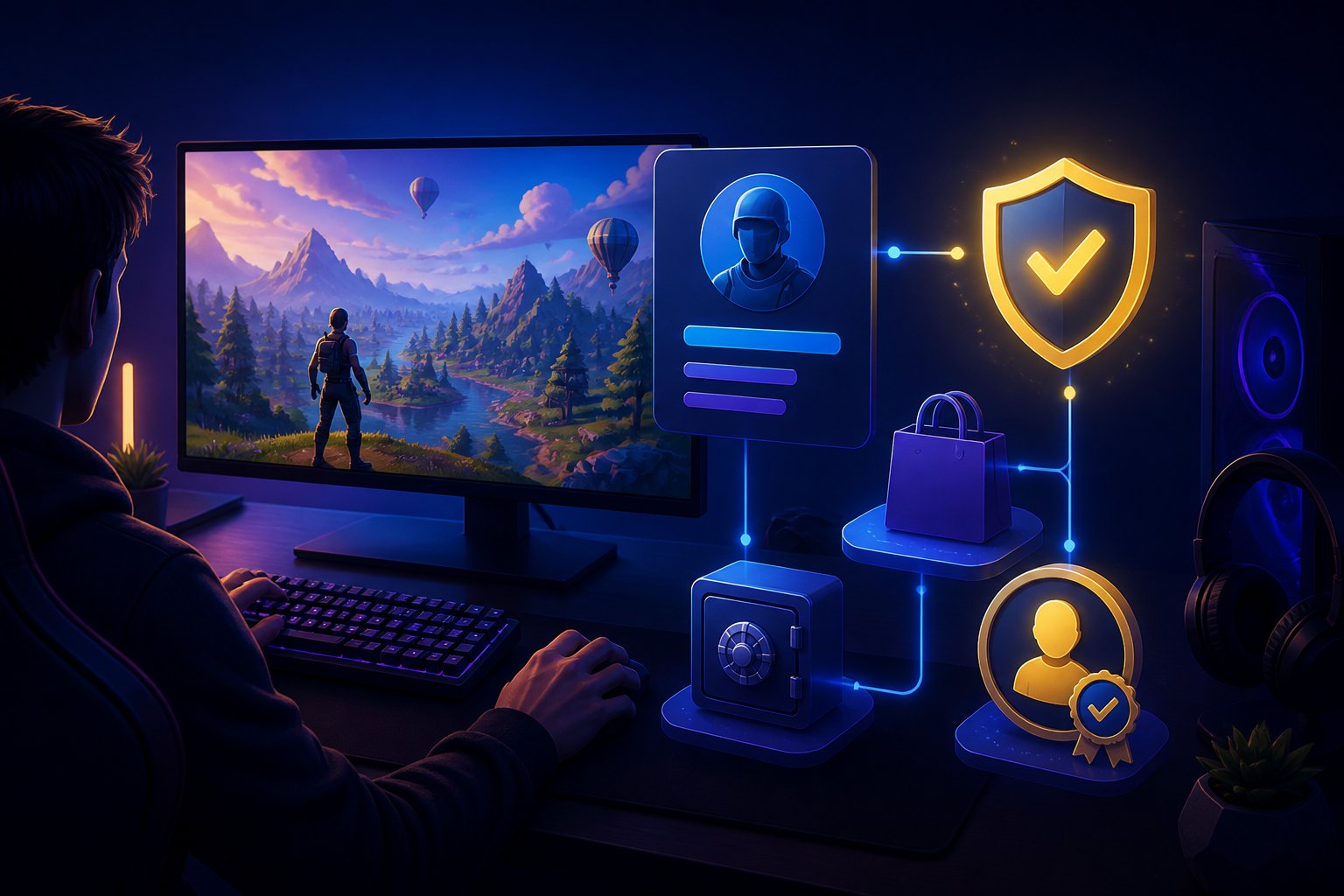
A purchased Fortnite account may include cosmetic items, progression history, linked access, and account credentials. You also need to understand Epic Games’ rules, ownership limitations, and the possibility of losing access before you decide whether the convenience justifies the risk.
What an Account Transfer Typically Includes
A transfer typically gives you login credentials for an existing Epic Games account and access to the Fortnite content stored on it. Depending on the listing, that content may include skins, emotes, pickaxes, gliders, wraps, battle pass history, Save the World access, and platform links.
Before buying through LoLBoost.gg, review the listing carefully. Check the displayed inventory, account level, available modes, linked platforms, and whether the seller offers full access to the registered email. Do not assume that “full access” guarantees permanent ownership or prevents a previous owner from attempting recovery.
You should also confirm what the handover process covers. Change the password, update security settings, enable two-factor authentication, and remove unfamiliar linked accounts when the platform permits these actions. Keep transaction records and communicate through the marketplace so any dispute relies on documented information.
Risks Under Epic Games Policies
Epic Games generally prohibits buying, selling, or sharing accounts under its Terms of Service. Because the original account holder remains important to account recovery, you may lose access if Epic detects suspicious activity, receives a recovery request, or determines that the account changed hands.
A purchased account can also face restrictions or suspension. Risk factors include unusual login locations, rapid changes to account details, payment disputes, compromised credentials, and activity associated with the previous owner. Buyer protection from a marketplace cannot override Epic’s policies or guarantee that Epic will restore access.
Before purchasing, weigh the account’s price against these risks. Avoid listings that promise guaranteed permanence, ask you to bypass security controls, or provide incomplete ownership information. You should treat the account as a policy-sensitive digital purchase rather than the same as buying a transferable physical product.
Evaluating lolboost.gg
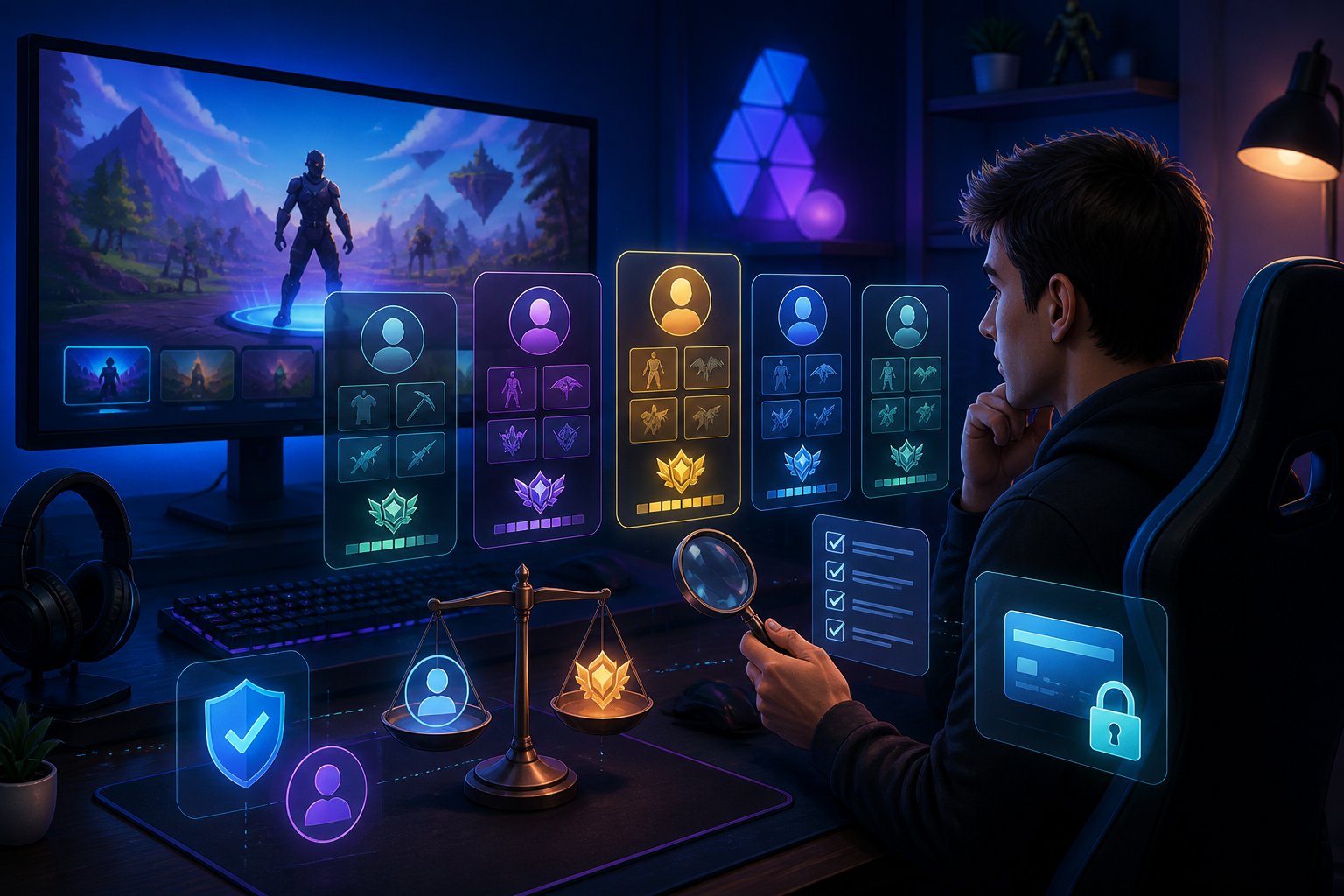
You should compare Fortnite account options by reviewing their contents, region, platform compatibility, and delivery terms. Check each listing carefully because account availability, progression, and included cosmetics can vary.
Available Account Types
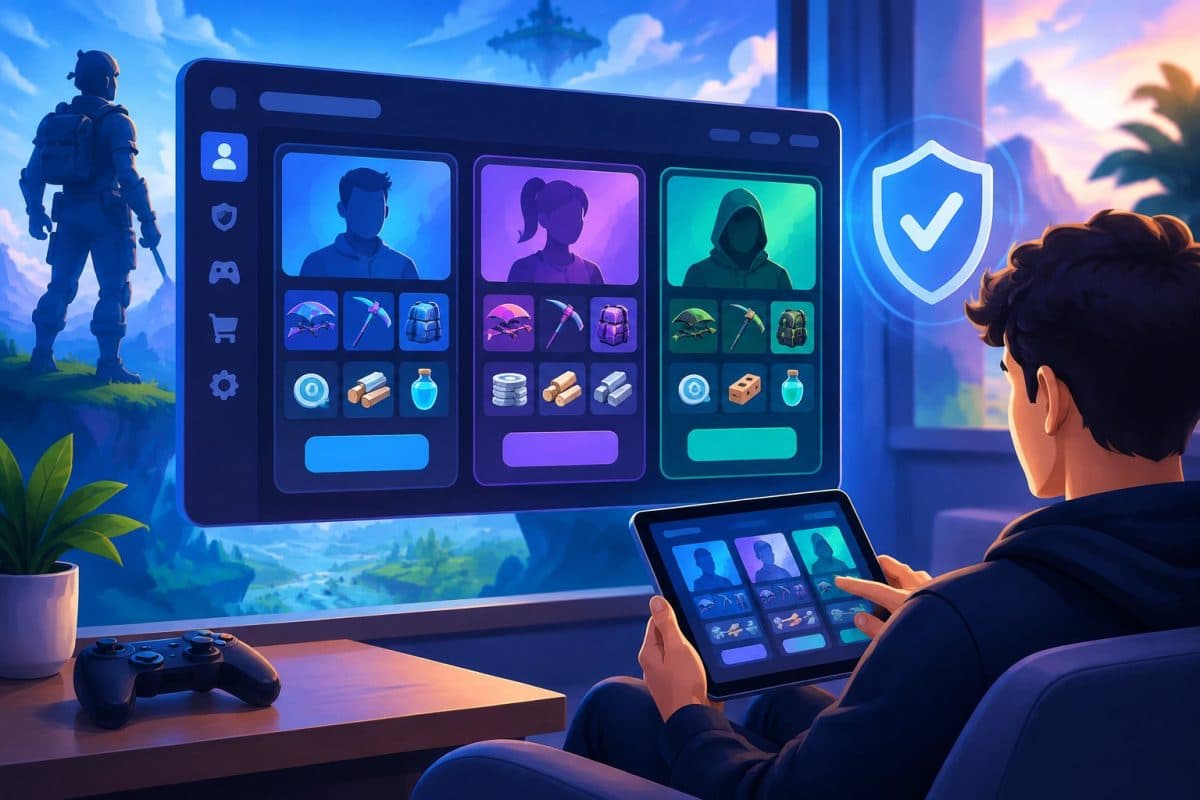
LoLBoost.gg presents Fortnite accounts through a marketplace-style catalog. Available options may differ by stock, but listings can include accounts with specific cosmetic collections, progression levels, rare items, or other account features. You should filter your search by the details that matter most to you rather than choosing only by price.
Before buying, confirm whether the account includes the advertised skins, emotes, pickaxes, wraps, or other items. Also check the account’s region and platform compatibility. A Fortnite account may not work as expected with your preferred Epic Games setup if the listing does not clearly state its supported region or transfer conditions.
Consider these points:
- Cosmetic items and account level
- Region and platform compatibility
- Account access and delivery method
- Return, replacement, and support policies
- Any restrictions stated by the seller
Epic Games generally prohibits account buying and selling, so you should understand the possibility of account recovery, access problems, or enforcement action before purchasing.
Listing Details and Account Information
Read the full listing instead of relying on its title or thumbnail. A useful listing should identify the account’s main contents, including notable cosmetics, progression, linked services, region, and delivery information. If the description omits an important detail, treat that omission as a reason to contact support before paying.
Check whether the listing explains how you will receive access and whether the seller provides replacement terms if the credentials fail. You should also review payment security, order tracking, and customer-support options. Search results mention that LoLBoost.gg offers a dashboard for configuring orders and tracking service status, but you should verify the current process directly on the website.
Save the listing details and transaction records. Compare the delivered account against the advertised information immediately, and avoid sharing the credentials with other people after purchase.
Assessing Account Security
Buying a Fortnite account carries risks because Epic Games prohibits account transfers. You should verify the handover process, secure every recovery method, and keep transaction records before using the account.
Ownership Transfer Steps
Use a marketplace with buyer protection and a clear dispute process. Before paying, review the seller’s reputation, account details, linked platforms, ban history, and any restrictions stated in the listing. Independent customer feedback can help, but treat reviews as one source rather than proof that an account will remain secure.
After delivery, change the account password and enable two-factor authentication through Epic Games. Remove the seller’s email address, phone number, payment methods, linked console accounts, and third-party connections. Check the account’s security page for unfamiliar sessions, then sign out of all devices where that option exists.
Save the listing, messages, payment receipt, and delivery details. Avoid sellers who request payment outside the platform or refuse to provide ownership information. Even after a complete handover, the original owner may attempt recovery, and Epic Games may suspend an account for violating its transfer rules.
Credentials and Recovery Information
Confirm that you receive access to the original account email, not only an Epic Games username and password. Change the email password first, then update the Epic Games password so the seller cannot use the old mailbox to reset access. Use a unique password that you do not use on other services.
Review recovery details carefully. Replace the recovery email and phone number, remove unfamiliar two-factor authentication devices, and disconnect linked PlayStation, Xbox, Nintendo, Google, or other accounts unless you personally control them. Check connected applications and revoke access you cannot identify.
Do not accept an account with missing recovery information, an inaccessible original email, or unresolved security alerts. Keep your new credentials private, store backup codes securely, and monitor login notifications after the purchase. These steps reduce takeover risks but cannot guarantee permanent access or prevent enforcement by Epic Games.
Comparing Value and Pricing
Your purchase should reflect the account’s actual contents, not just its advertised rarity. Compare cosmetic inventory, account progress, access details, seller safeguards, and the full checkout cost before paying.
Skins, Cosmetics, and Account Progress
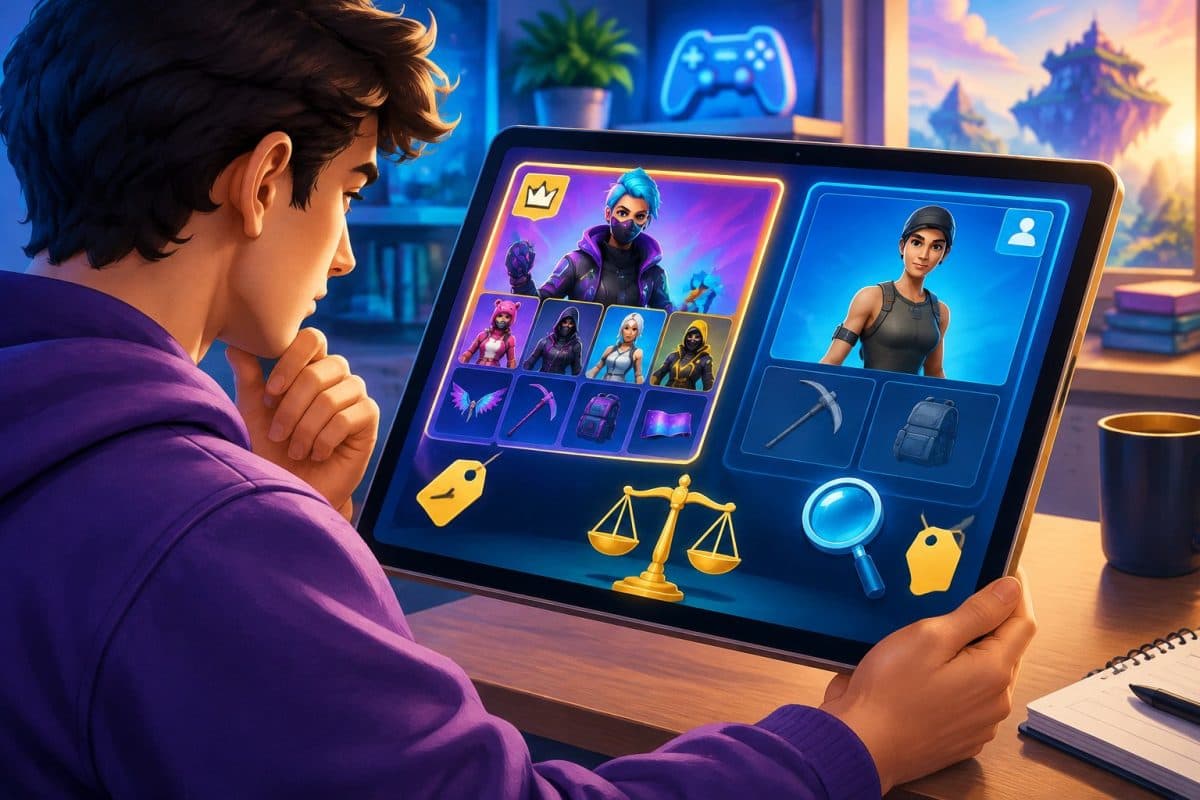
Evaluate the account by checking its specific inventory. Look for named outfits, pickaxes, gliders, emotes, wraps, banners, loading screens, and other cosmetics. Rare items may affect demand, but age alone does not prove value. Confirm that the listing includes the skins and accessories you want rather than relying on broad claims such as “OG” or “stacked.”
Account progress can also influence price. Check Battle Pass history, Save the World access, level, achievements, and linked-platform details when the seller provides them. A lower-priced account may offer better value if it includes useful progress and a balanced locker, while a higher-priced account may only contain one desirable cosmetic.
Before buying from lolboost.gg, compare the listing’s description with its images and delivery terms. Save the listing details, review what access you receive, and avoid paying for items the seller does not clearly identify.
Price Transparency and Payment Options
A clear price lets you compare accounts accurately. Check whether lolboost.gg displays the complete cost before checkout, including taxes, service charges, currency conversion, or payment-processing fees. Review refund, replacement, and dispute terms as well, especially if the delivered account differs from the listing.
Payment options should use secure checkout methods and provide a transaction record. Do not send passwords, payment details, or funds through unofficial channels. Confirm the seller’s delivery process, the access included with the account, and any time limit for reporting a problem.
Use a simple comparison:
| Check Why it matters | |
| Listed price | Establishes the base cost |
| Additional fees | Shows the actual amount you will pay |
| Included access | Clarifies what control you receive |
| Buyer protection | Defines support if delivery fails |
| Refund or replacement terms | Explains available remedies |
Fortnite account sales may conflict with Epic Games’ terms and can carry suspension or recovery risks. Read the marketplace and platform rules before deciding whether the listed price justifies those risks.
Reviewing Customer Support
You can contact support before ordering to clarify listings, delivery, account access, scheduling, and refund terms. After purchase, use the order chat or live-support channels to report login problems, incorrect details, delays, or disputes.
Pre-Purchase Assistance
Before you buy, ask support to confirm exactly what the Fortnite account includes. Request details such as its platform compatibility, linked email status, skins, cosmetics, progression, and delivery method. You should also verify whether the seller provides access to the original email account and whether the listing includes any restrictions.
Ask for the provider’s current policies on replacements, refunds, account recovery, and disputes. Written answers give you a clearer record than informal promises and help you compare the listing with the advertised terms. You can also ask how support handles an account that arrives with incorrect credentials or missing content.
The search results describe support for pre-sale questions and mention channels for checking listings and policies. However, reviews and third-party ratings can change, so you should confirm important terms directly before payment.
Post-Purchase Issue Resolution
If the credentials fail, contact support through the order chat or live-support channel and provide your order number, the affected username or email, and a clear description of the problem. Avoid sending unnecessary personal information or changing account details before support explains the required process.
For missing cosmetics, incorrect listings, delivery delays, or access disputes, save screenshots of the listing, payment confirmation, messages, and account condition. These records can help support compare the delivered account with the original offer and determine whether a correction, replacement, or refund applies.
The available results indicate that LoLBoost advertises assistance after purchase, including credential issues and disputes. Check the specific order terms because eligibility, response times, and recovery options may differ by listing. Also remember that buying or transferring game accounts may conflict with Epic Games’ rules and can carry a risk of suspension or recovery by the original owner.
Making an Informed Purchase Decision
Review the listing, seller conditions, account details, and platform rules before paying. Use payment methods with transaction records and buyer protections, and avoid sharing unnecessary personal information.
Checking Terms Before Ordering
Read LoLBoost.gg’s current terms, refund policy, and account-specific listing details before placing an order. Confirm what the purchase includes, such as skins, account level, linked platforms, email access, and regional restrictions. Do not rely only on screenshots or a seller’s description.
Check whether the account transfer complies with the applicable game publisher’s rules. Epic Games prohibits account buying, selling, and sharing, so purchasing a Fortnite account can result in recovery disputes, restrictions, or loss of access. No marketplace can guarantee permanent ownership or eliminate these risks.
Save the listing, order details, seller messages, and policy pages connected to your purchase. After delivery, verify the account information promptly and report discrepancies through the platform’s official support process. Avoid deals that ask you to move communication or payment outside LoLBoost.gg, because doing so may remove platform protections.
Using Secure Payment Practices
Pay through the marketplace’s official checkout rather than sending money directly to a seller. Choose a payment method that provides a clear receipt, transaction record, and available dispute process. Never share your card number, password, authentication codes, or government identification through chat.
Before confirming payment, check the final price, currency, fees, delivery terms, and refund conditions. Make sure the checkout page uses a secure connection and that the recipient and order number match your intended purchase. Avoid cryptocurrency, gift cards, bank transfers, or other irreversible payments unless you fully understand the risks and the platform explicitly supports them.
Keep every receipt and message until you have completed verification. If a seller pressures you to bypass checkout, promises guaranteed recovery protection, or requests remote access to your device, stop the transaction and contact LoLBoost.gg support through its official channels.